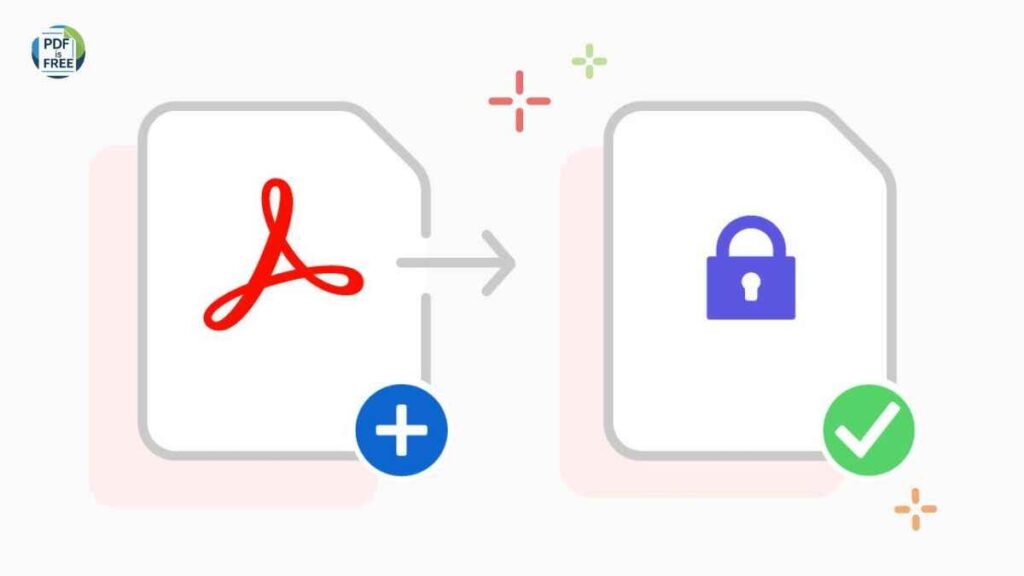
Protecting PDF files: The storage and sharing of sensitive information like contracts, financial reports, invoices, training materials and personal documents is extensively done using PDF files. Although PDFs are easy to carry around and are universally compatible, they are also susceptible when not properly secured. Any person who accesses an unprotected PDF can reproduce the information in it, alter it, or share it without authorization.
This is the reason why people, businesses, and organizations must encrypt and provide passwords to PDF files. This guide will teach you some of the best tips to keep your PDF files secure, private with ease, and without being tampered with as well as keeping your documents intact in a safe manner that is easy to share.
The need of PDF Security
It is always necessary first to comprehend the reasons behind PDF security before delving into the tips.
The unsecured PDF files may cause:
- Information leaks and invasion of privacy.
- Illegal editing or copying.
- Stealing of intellectual property.
- Legal and compliance risks
Password protection and encryption provide an additional security step, which helps you to control access, printing, and editing of your documents.
1. Use PDF passwords made of strong passwords.
The simplest process involved in protecting a PDF is the addition of a password but not any password.
Best guidelines on strong PDF passwords:
- Use at least 12 characters
- Use both upper and lower case letters.
- Insert numbers and special characters.
- Avoid common words, dates and names.
- Example of a weak password:
- password123
- Example of a strong password:
- F7!mQ9#TzL@2
Very strong passwords will greatly minimize the chances of unauthorized entry.
2. Use PDF Encryption, Not Password Locks.
The password protection is not sufficient in all cases. Ensure that you have encrypted and not locked your PDF.
PDF encryption:
- Jumbles the contents of the document.
- Blocks the unauthorized data reading by tools.
- Secures files even in case they are intercepted.
When possible, always use AES-256 encryption which is the most secure standard in the present day.
3. Limit Editing, Printing and copying.
Everybody does not require complete access to your PDF.
You are allowed to use various levels of permission, including:
- View only
- Disable editing
- Disable text copying
- Restrict printing
This is of particular use in:
- Reports
- Ebooks
- Training materials
- Legal documents
Permission controls can be used to ensure that after sharing the file, a person cannot abuse it.
4. Viewing and Editing with Different Passwords.
Numerous PDF applications will also enable two different passwords:
- One for opening the file
- Permission editing or change permissions.
This allows you to:
- Share read only with the majority of users.
- Only trusted people should learn how to edit grants.
- This multi-level strategy enhances security without restricting access.
- 5. Do not use the same channel to pass your passwords.
A big mistake that is frequently made is to attached the PDF and their password in the same email or message.
Safer alternatives include:
- Bringing the password through a separate email.
- Applying another messaging platform.
- Giving out passwords orally of very sensitive files.
The file and the password are separated to minimize the risk when one of the channels is compromised.
6. Extraction of PDF Hidden Metadata
Metadata may be hidden in PDFs, including:
- Author name
- Company name
- Creation date
- Editing history
This knowledge may reveal delicate information.
Before sharing:
- Review document properties
- Eliminate redundant metadata.
- Cleanse concealed information with reliable PDF software.
The erasing of metadata provides an additional degree of privacy and professionalism.
7. Add Watermarks to Provide Extra Protection
Although watermarks do not substitute encryption, they make sharing unlicensed discouraged.
- You can add:
- “Confidential”
- “For Internal Use Only”
- Watermark of a user (email or ID).
Watermarks are used as a visual deterrent and can be used to track leaks in case documents are accessed without authorization.
8. Maintain Software and Tools
|human|>Keep Tools and Software Up to date.
Old software PDF could be insecure.
Always:
- Use revised PDFs viewers and editors.
- Install security patches
- Use not suspected or pirated tools.
Curriculum: You need to use trusted and current software to make sure that the PDF security system has done what it is designed to do.
9. Do not upload confidential files in Public PDF
In case there are private or confidential data in a PDF:
- Do not post it in the open sites.
- Stay out of open-file sharing sites.
- Secure access cloud storage.
Publicly available PDFs are searchable to search engines and are hard to contain after being leaked.
10. Before sharing, it is recommended to verify the test security settings
Prior to sending a secured PDF:
- Attempt to open it without a password
- Permission restrictions of the tests.
- Trying to copy or edit some text.
- Make sure that the encryption settings are enable.
Testing would also determine whether there are any security loopholes and the intende access level is achieved by recipients.
11. Take into account Digital Signatures to Authenticity
Digital signatures are used to check:
- The document’s authenticity
- The sender’s identity
- The fact that the file has not been change.
They can be of particular use in:
- Contracts
- Legal documents
- Official reports
A signed PDF is more credible and, therefore, cannot be tampere with.
12. Train Your Team or PDF users.
It is not just sufficient technology.
Make sure:
- The personnel of the team is aware of setting passwords.
- Users are aware of sharing rules.
- Responsible treatment of sensitive PDFs.
One of the most significant security vulnerabilities and threats is human error, and education will mitigate such vulnerability.
Final Thoughts
Protecting and password securing PDF documents is now no longer a choice but a must in the present e-age.
By using:
- Strong passwords
- Encryption
- Permission controls
- Safe sharing practices
- Updated tools
You are able to safeguard your files against unauthorized access, data leak, as well as misuse.
Not only does a well-secured PDF help to protect the information, but it also indicates the professionalism and reliability. It is a wise and good move to encryption your PDF files whether it is business documentation, personal files or high-end content.