Convert PDF to Word – Free Online Tool
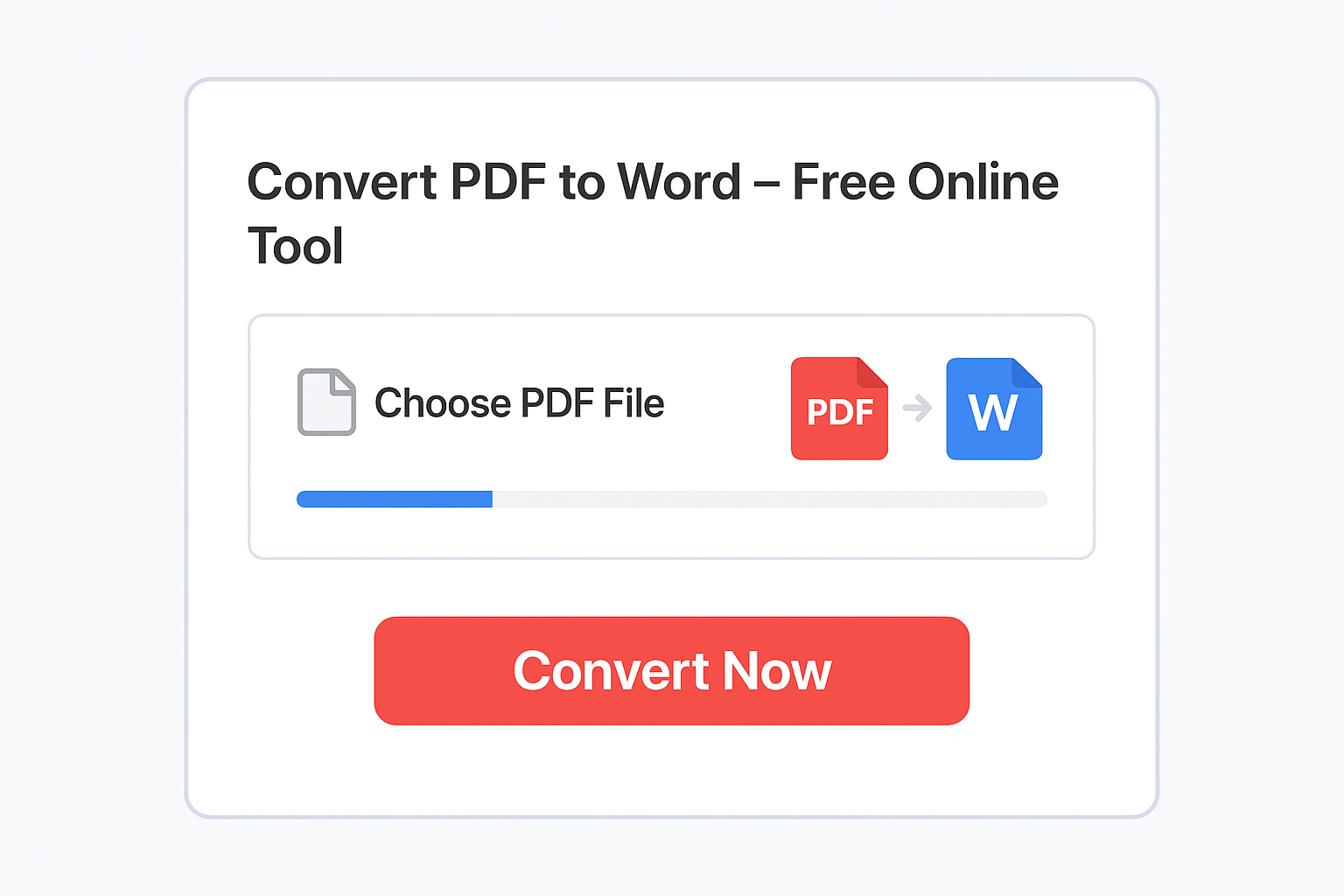
Free PDF to Word Converter Online
Turn your PDF into an editable Word document in seconds! Our free PDF to Word tool keeps your layout, fonts, and formatting exactly as in your original file — no quality loss, no hidden charges, and no account required.
Simply upload your PDF, click “Convert Now”, and download your fully editable .DOCX file instantly. This tool works directly in your browser — your files stay private and secure.
- Why Use Our PDF to Word Tool?
- ✅ 100% Free — No registration or watermarks
- ✅ Fast & Easy — Just upload and convert instantly
- ✅ Secure — Files are auto-deleted after conversion
- ✅ Accurate Formatting — Keeps fonts, images, and tables intact
- ✅ Works on Mobile & Desktop
⭐ How to Convert PDF to Word Online
- Upload your PDF document.
- Click Convert to Word.
- Download your editable DOCX file instantly.
⭐ Best Features of Our PDF to Word Tool
- Preserves fonts, tables, and layout
- Supports scanned PDFs (OCR-ready if your tool offers it)
- Fast processing, even for large PDFs
- No watermark on converted files
✅ FAQ
1. How do I convert PDF to Word online for free?
Upload your PDF to our converter, click Convert, and download your editable Word file instantly.
2. Will the formatting remain the same after conversion?
Yes. PDFisFree keeps your original layout, fonts, images, and structure intact.
3. Is PDF to Word conversion safe?
Absolutely. All files are encrypted and automatically deleted after conversion.
4. Can I convert scanned PDFs to Word?
Yes, if your device supports OCR. Otherwise, the text will remain image-based.
5. Does the converter work on mobile?
Yes. Our tool works smoothly on phones, tablets, laptops, and desktops.