- Free PDF to JPG Converter – Fast, Secure & High-Quality Online Tool
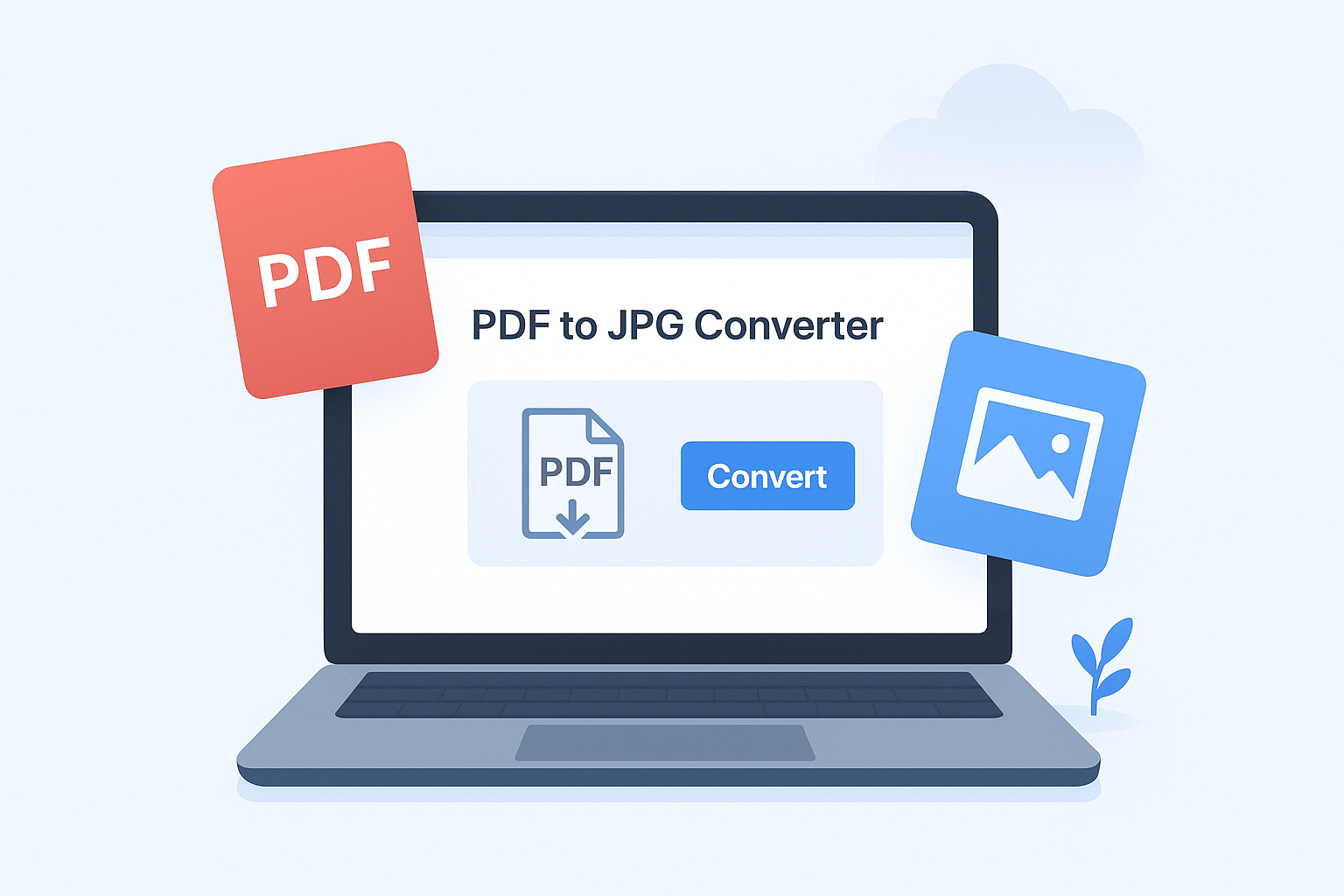
PDF to JPG Converter
Upload your PDF file and convert it to JPG format.
- Convert your PDF files into high-quality JPG images instantly with our Free PDF to JPG Converter. This fast and secure online tool works directly in your browser — no signup, no software installation, and no hidden charges. Upload your PDF and get crystal-clear JPG images of every page in just seconds. Whether you need to extract images for presentations, social media, or documentation, our converter ensures pixel-perfect results every time. 100% free, reliable, and privacy-friendly — all your files stay safe and are never stored on any server.
Why Use Our PDF to JPG Converter?
Key Features
⚡ Instant Conversion: Turn PDFs into JPGs in seconds.
💰 Completely Free: No registration, limits, or hidden costs.
🖼️ High Quality: Preserve original clarity and resolution.
🔒 Secure & Private: All processing happens locally in your browser.
📄 Multi-Page Support: Convert all PDF pages into separate images automatically.
Experience the easiest and fastest way to convert PDF to JPG online — perfect for students, professionals, and everyday users.
✔ How to Convert PDF to JPG Online
-
Upload your PDF file
-
Click Convert to JPG
-
Download the JPG images instantly
✔ Best Features of Our PDF to JPG Tool
-
High-quality output (optimized resolution)
-
Handles multi-page PDFs automatically
-
Works in browser—no app required
-
No watermark on converted JPGs
-
Supports scanned PDFs
FAQ
1. How do I convert a PDF to JPG for free?
Upload your PDF, click Convert, and download your JPG images instantly.
2. Will the image quality be good?
Yes. PDFisFree produces high-quality JPG images with optimized clarity.
3. Can I convert multiple pages?
Yes, each PDF page is converted into a separate JPG file.
4. Is my PDF file safe?
Absolutely. All files are encrypted and deleted automatically after conversion.
5. Does this tool work on mobile?
Yes. PDFisFree works smoothly on phones, tablets, and desktops.